Discord Channel Name Ideas: 200+ Aesthetic and Organized Server Layouts
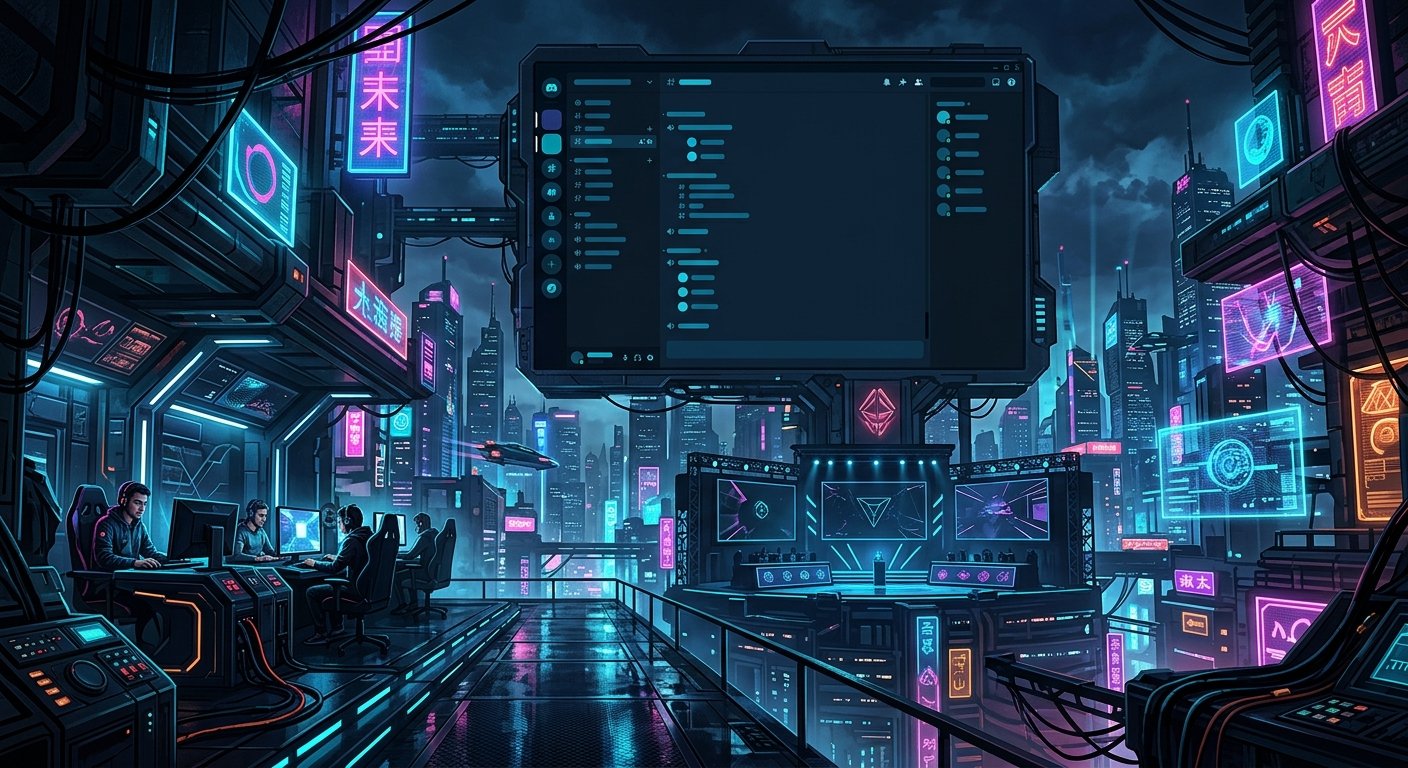
A cluttered Discord server kills member engagement faster than an empty chat room. When viewers, subscribers, or competitive teammates enter a server burdened with inconsistent capitalization, redundant rooms, and fifty unorganized voice channels, they immediately mute notifications and stop participating. Effective community architecture relies on clear visual hierarchy, intentional grouping, and clean character conventions that guide users to relevant conversations without friction. Rebuilding your channel layout with systematic naming conventions transforms an unmanageable server into an intuitive hub that reinforces your brand and keeps members active.
Visual Hierarchy and Structural Category Grouping
The biggest architectural mistake administrators make is channel over-fragmentation. When a server splits general discussion across four near-identical rooms such as chat, off-topic, gaming-talk, and hangouts, conversation fragments and rooms sit idle. A functional server requires a four-tier category hierarchy: Orientation, Community, Content, and Voice. Orientation houses non-interactive resources including rules, announcements, and roles. Community contains primary text interactions limited to two or three high-traffic hubs like general-chat, media-clips, and bot-commands. Content groups stream alerts, schedule updates, and creator announcements. Maintaining strict permission boundaries and limiting public channels to eight or nine primary rooms concentrates message volume, ensuring newcomers immediately find active conversations rather than a ghost town of niche rooms.
Unicode Separators and Quick Switcher Compatibility
Using decorative typography sounds appealing, but using pseudo-fonts generated by third-party converters destroys server usability. As explored in our breakdown of stylish text fonts and readability, screen readers interpret mathematical alphanumeric symbols as disjointed technical terms, alienating users with assistive software. Furthermore, heavy Unicode modifications break Discord Quick Switcher feature (Ctrl+K or Cmd+K), preventing power users and moderators from rapidly navigating your server by typing channel titles. The professional alternative relies on standard alphanumeric lowercase combined with clean Unicode punctuation dividers. Effective layout dividers include the middle dot (text・lounge), vertical pipe (chat│general), boxed border brackets ([rules] or 「roles」), and hyphens. Sticking to standard keyboard characters maintains accessibility while providing the structural visual polish required for an orderly sidebar.
Competitive Team and Esports Clan Layouts
Competitive rosters require functional utility over casual banter. Following the structural principles seen in naming conventions competitive teams use, esports layouts prioritize scheduling, tactical prep, and role-based permissions over general community chat. An esports layout splits into operational hubs: #roster-announcements, #scrim-schedule, #strat-book, #vod-review, and #match-results. For voice channels, room titles must display capacity limits directly in the name to prevent accidental interruptions during scrims or tournament matches. Clear voice designations include [duo] alpha, [duo] bravo, [trio] rank-climb, [team] scrim-hub-1, and [coach] match-analysis. Giving each voice room a dedicated purpose prevents players from scattering across unmonitored rooms and lets team managers verify roster attendance at a single glance.
Content Creator and Stream Community Layouts
Streamers and YouTubers need a server layout that bridges live broadcast engagement with offline viewer retention. A successful creator hub organizes public discussion around shared interests while highlighting new content automatically. Essential orientation channels include #welcome-hub, #community-guidelines, and #role-selection. The content category should isolate outbound feeds from conversation with #stream-live, #youtube-uploads, and #event-announcements, all configured with restricted posting permissions to eliminate spam. The interactive category keeps viewers engaged between broadcasts through #broadcast-discussion, #stream-suggestions, #clip-submissions, and #setup-showcase. Restricting your interactive section to these focused channels stops community members from feeling lost while ensuring production staff can easily pull community clips and feedback for future videos.
Minimalist and Aesthetic Server Blueprints
Minimalist aesthetic layouts emphasize visual calm by removing harsh capitalization, system hyphens, and high-contrast graphical markers. Because standard Discord text channels force lowercase lettering and convert spaces into dashes, creators use specific Unicode spacing characters or centered symbols to bypass the default hyphenation. Clean aesthetic naming conventions frequently utilize spaced low-contrast formatting: info・guidelines, info・updates, talk・lounge, talk・media, audio・study-room, and audio・late-night. Alternatively, bracket-based organizational prefixes create a clean ledger appearance down the sidebar: [about] welcome, [about] updates, [main] discussion, [main] creativity, and [main] questions. The priority is typographic consistency; adopting a unified separator format across every single category prevents the sidebar from looking like an unmoderated scrapbook.
Voice Channel Architecture and Dynamic Bitrates
Voice channel design requires just as much structural discipline as text channels. Dumping a dozen generic voice rooms labeled Voice 1 through Voice 10 clutters the interface and provides no social cues about what is happening inside each room. Instead, title voice channels according to player intent and group size: Duos Lounge (2 Slots), Squad Room (4 Slots), Full Stack (5 Slots), and Late Night Chill (Unlimited). Setting hard user limits on tactical voice channels ensures competitive players can coordinate without unexpected interruptions from casual members dropping in mid-game. Additionally, server owners should manually assign appropriate bitrates to match each room purpose: allocate 64kbps for tactical gaming rooms to minimize bandwidth usage for players, while boosting lounge or music channels to 128kbps or higher for clearer audio reproduction.
Frequently Asked Questions
Why do some Unicode symbols show up as empty boxes in Discord channel names?
Symbols appear as blank boxes or question marks when a device operating system lacks the font file needed to render that specific character. Sticking to widely supported basic symbols, such as standard bullet points, pipes, and basic geometric markers, prevents display issues across mobile devices and older desktop systems.
How do you add spaces to Discord text channel names without hyphens?
Discord automatically substitutes regular keyboard spaces with hyphens in text channel titles. To bypass this, you can copy and paste special Unicode characters like an en space, an em space, or middle dots to visually space out words without generating system hyphens.
How many channels should a community Discord server have?
A healthy community server usually maintains between 10 and 20 total channels grouped into three to five categories. Having too many channels dilutes conversation and makes the server appear abandoned, while a streamlined layout concentrates active conversations into visible, welcoming areas.
Do fancy fonts in channel names hurt Discord search functions?
Yes. Custom Unicode pseudo-fonts prevent members from finding channels through Discord Quick Switcher (Ctrl+K or Cmd+K) because the app indexes those characters as distinct math symbols rather than standard letters. Use standard alphanumeric text for channel names if you want search and moderation tools to work properly.
Structuring an organized Discord server removes friction for newcomers, establishes consistent community habits, and ensures essential updates are never overlooked. Once your categories and channels reflect your community specific focus, maintaining uniform visual standards across every gamer tag, guild role, and team identity becomes the natural next step. Testing your channel layout with automated naming tools helps you discover the perfect balance between distinct style and day-to-day usability. Try the Discord Server Name Generator.